Choose your medium
Choose your medium. Compare the information published for the exact item and keep the product name or SKU for reference.
$34.99
Free standard US shipping
Contiguous 48 states & DC · 4–7 business days total
30-day returns
Merchant-paid return shipping. Read the policy
Questions about this item? [email protected]
Product brand: Cricut
The details
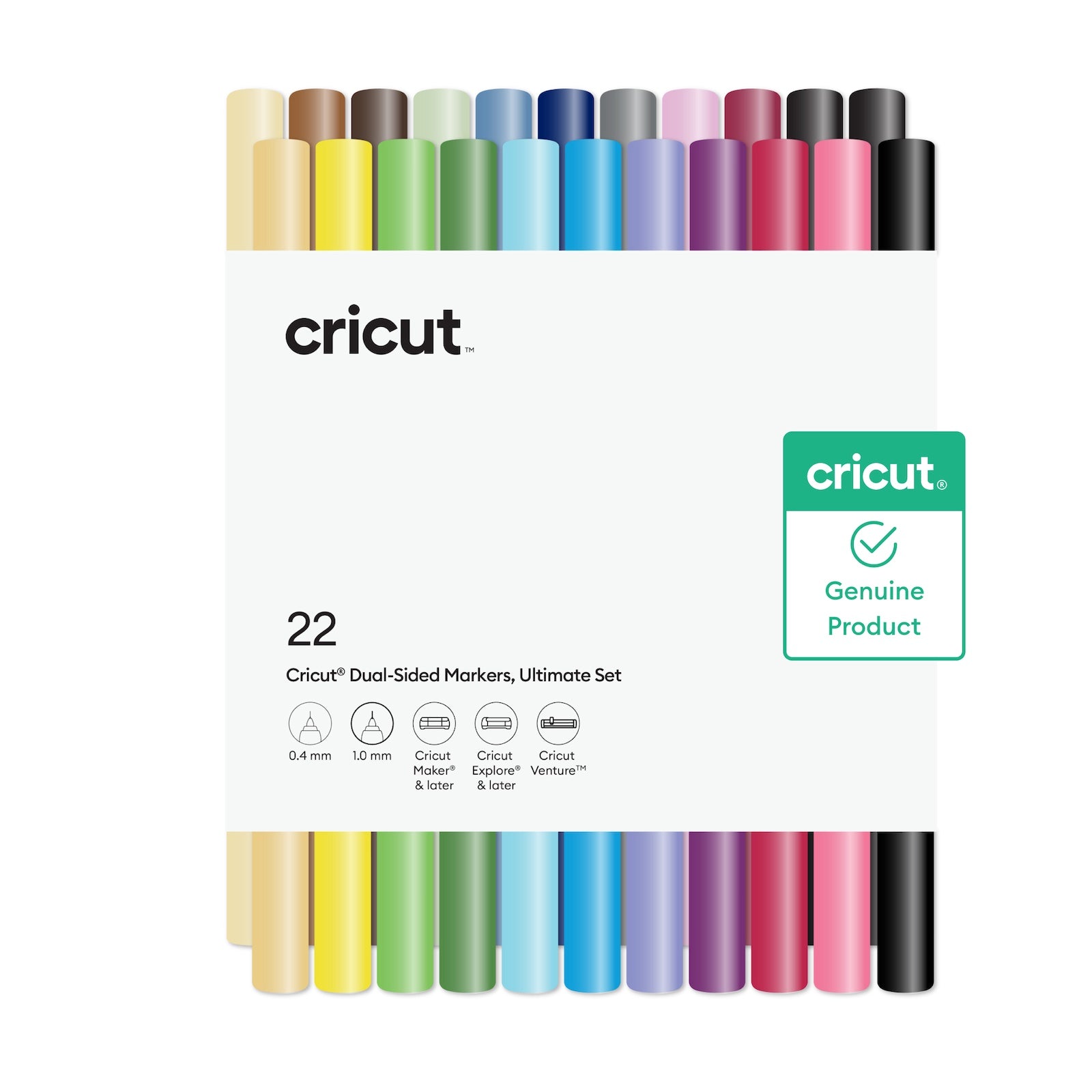
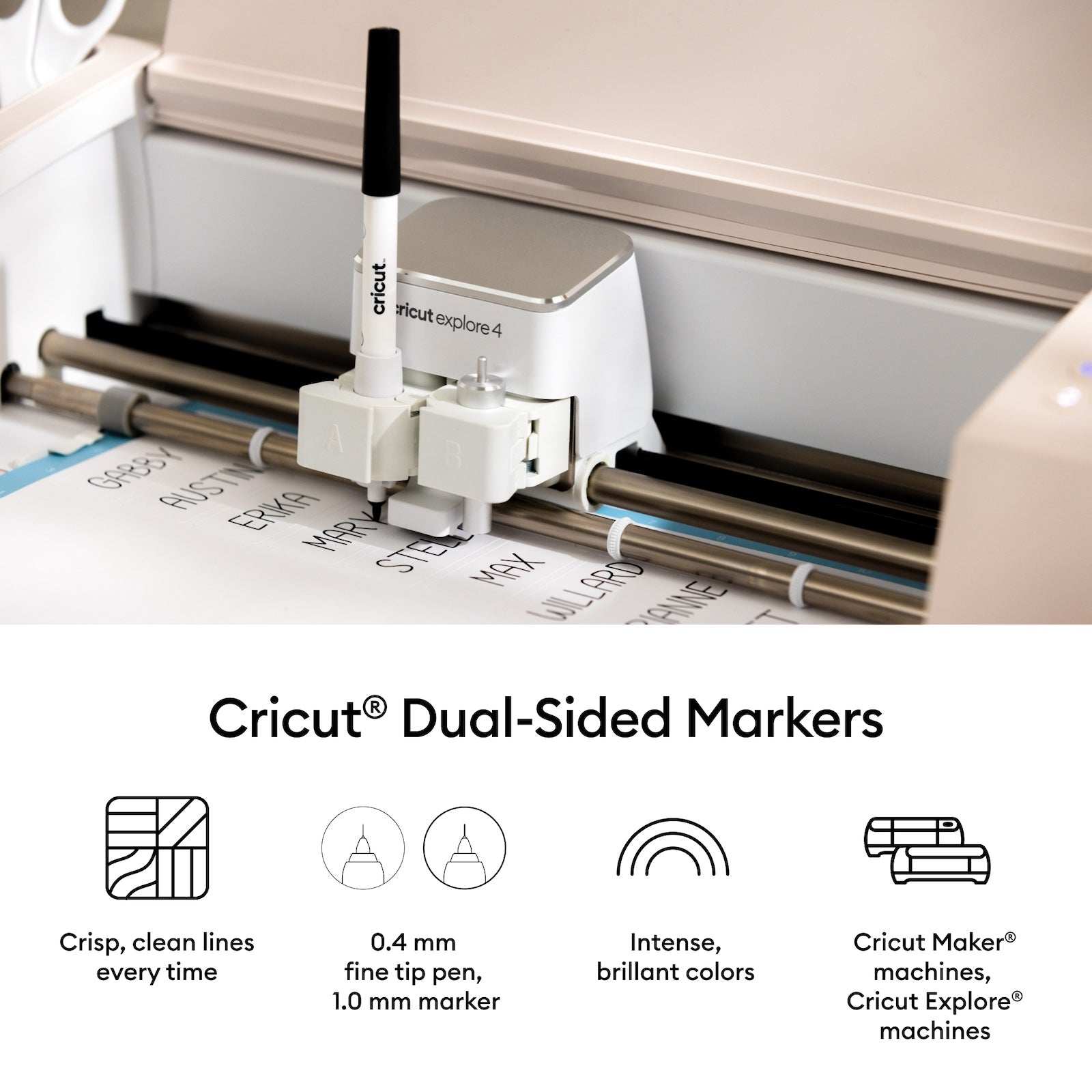
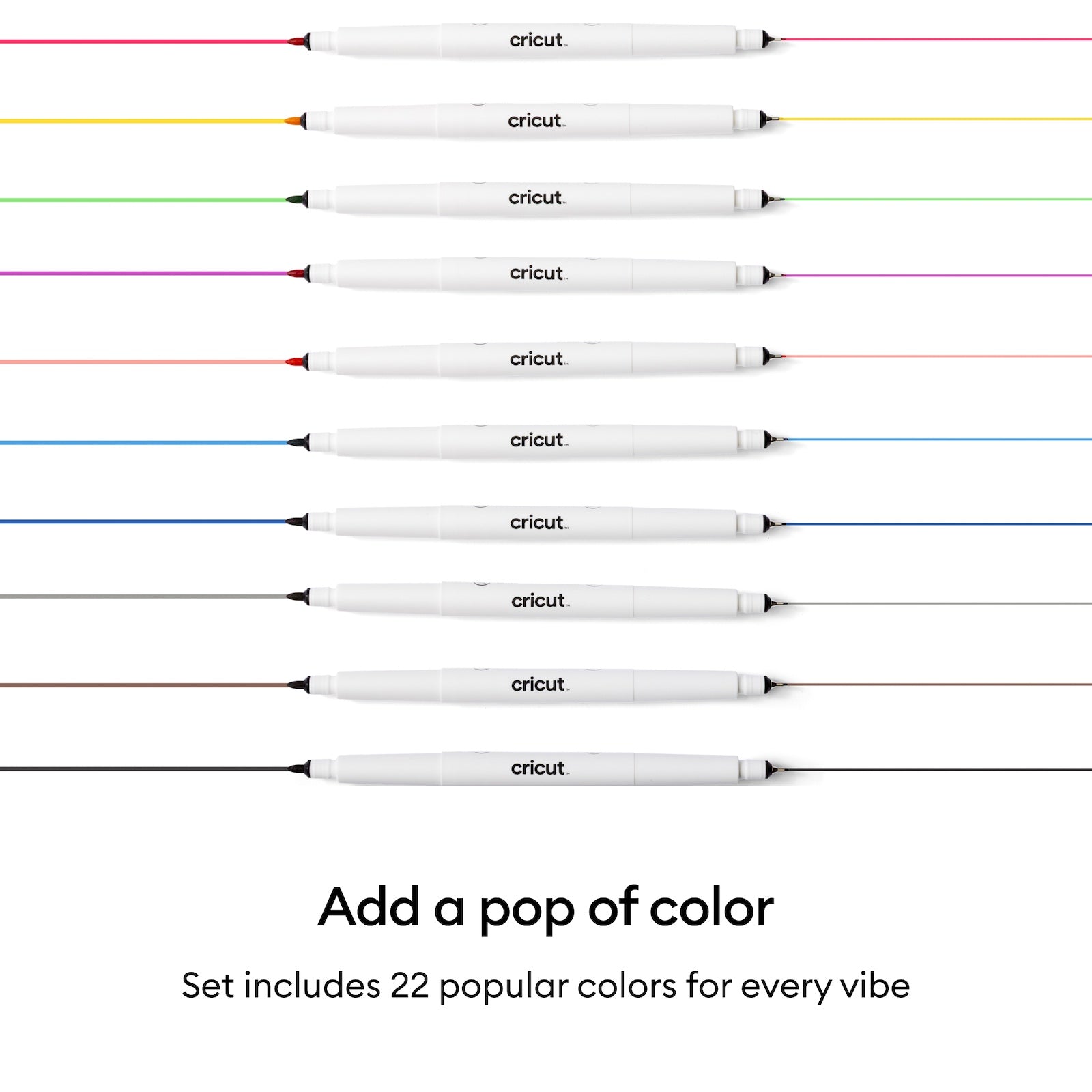
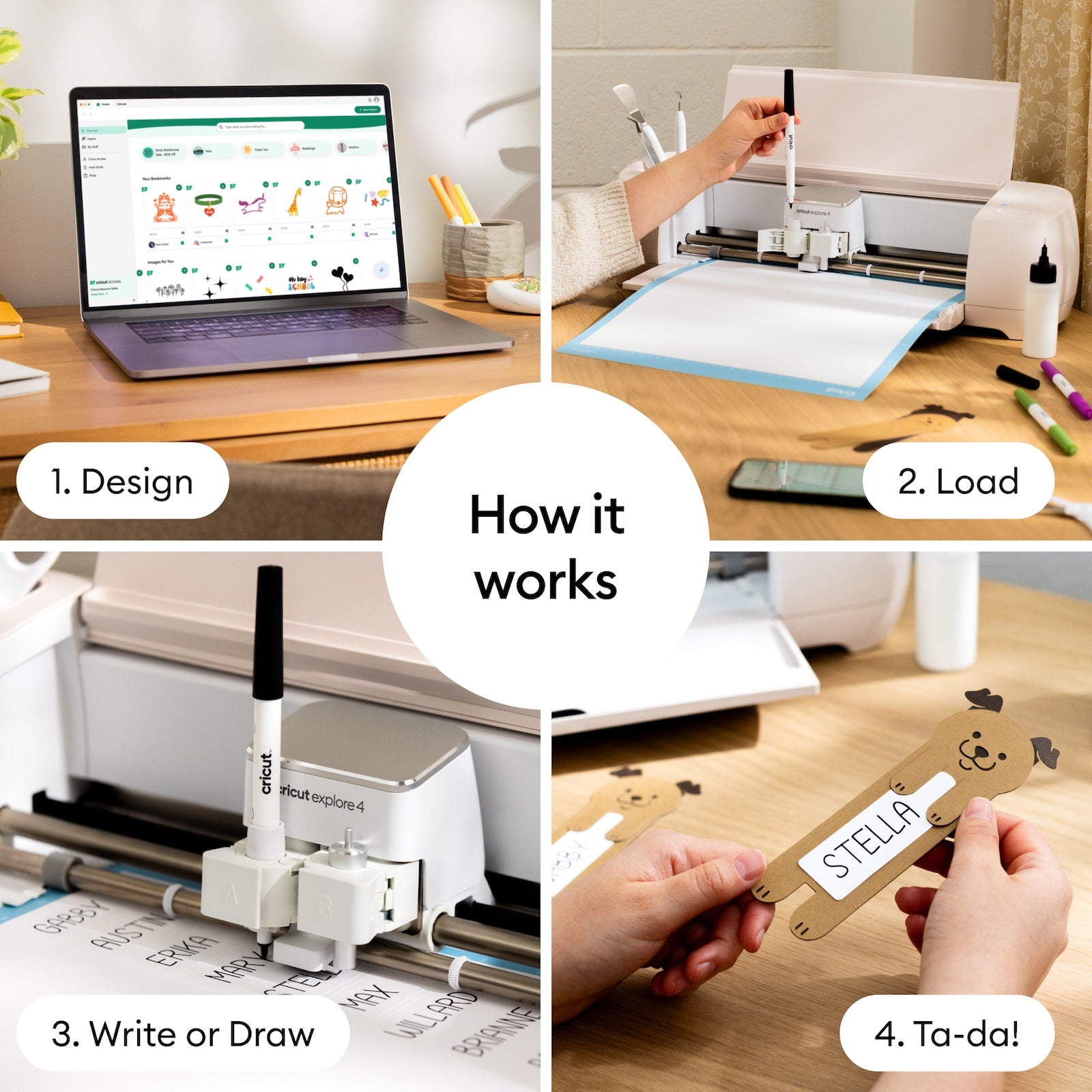
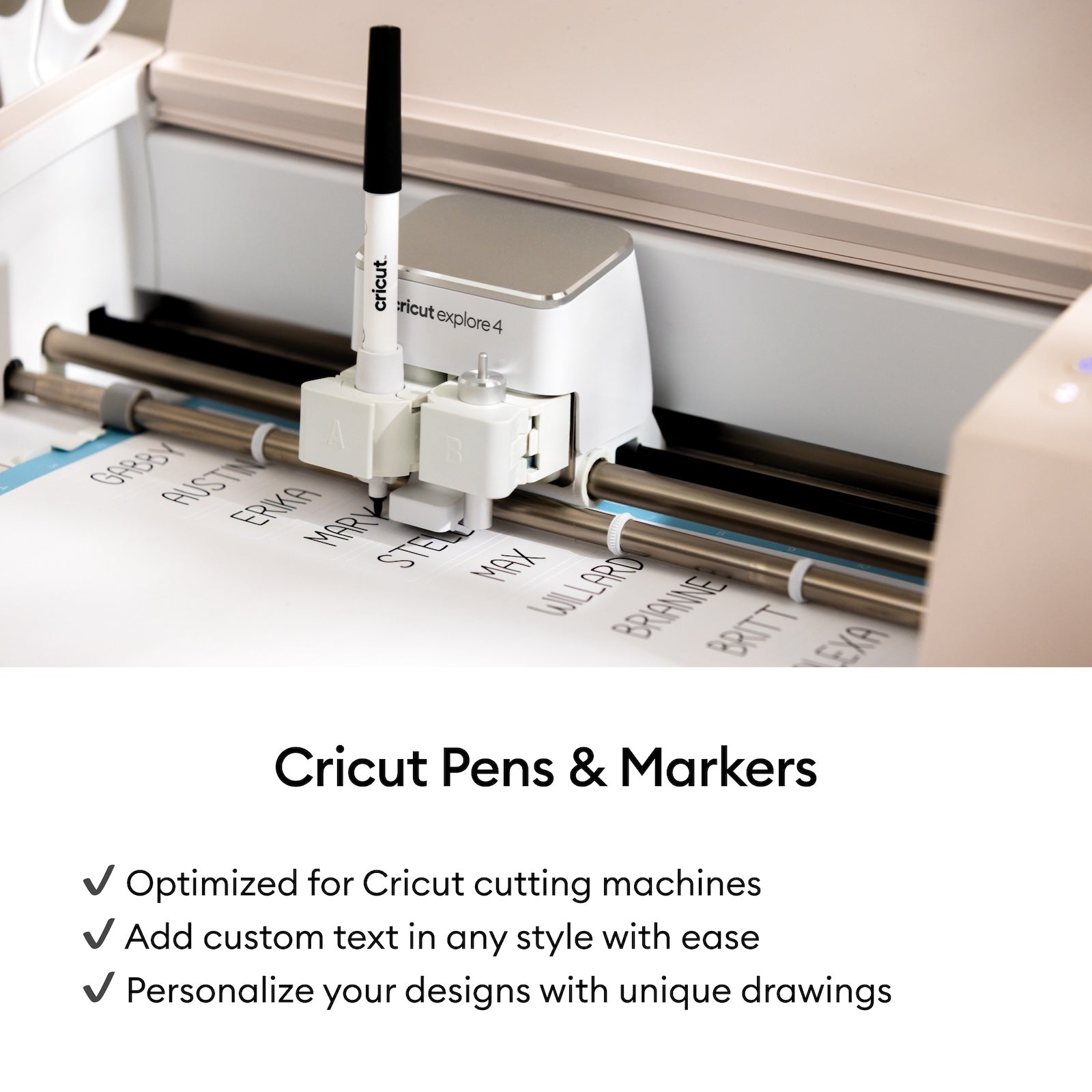
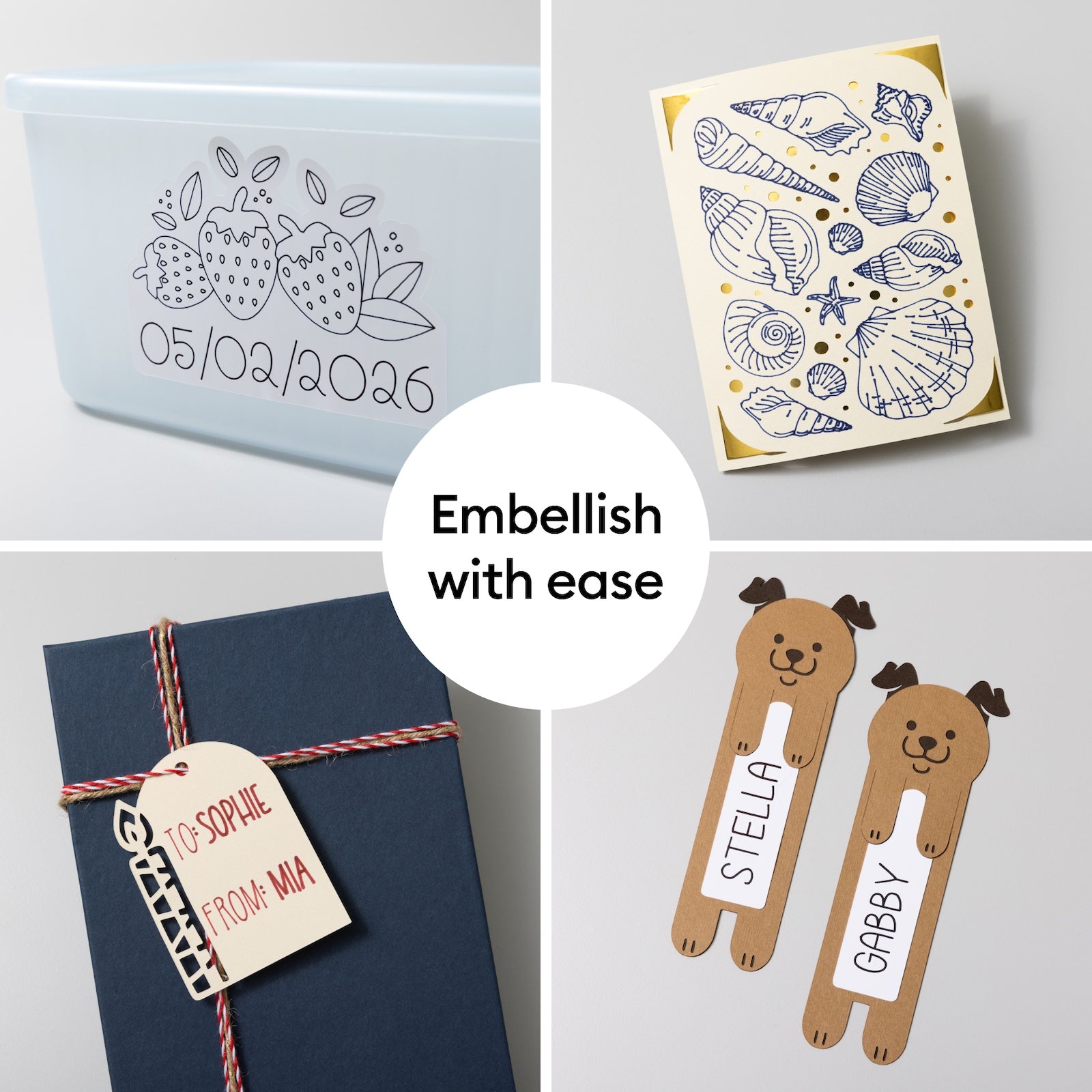
Add drawn details, lettering, and colorful accents to Cricut projects with this 22-count dual-sided marker set for Cricut Maker, Explore, and Venture machines. Use the fine tip for outlines, labels, and small writing, then use the broader tip for bolder accents and filled-in details. Project ideas include greeting cards, gift tags, envelopes, classroom labels, planners, scrapbook accents, and party invitations. These markers are great for beginners because your Cricut machine does the drawing for you, helping cards, tags, invitations, labels, and scrapbook pages look more finished with less hand-lettering pressure. Pair them with cardstock, compatible paper, or other Cricut writing projects when you want an easy way to add personality before cutting.
Know the fit
For a measurement or material that is not stated on this listing, contact us with the SKU before ordering.
Choose & use with care
Choose your medium. Compare the information published for the exact item and keep the product name or SKU for reference.
Match the surface and tools. Check the selected listing and variant, including the supplied components before ordering.
Follow listed material directions. Use the directions supplied for your selected item. Contact support if an important detail is missing.
Follow the instructions supplied for the exact product. Features, limits and care directions are specific to the selected model.
Order preparation takes 1–3 business days, followed by 3–4 business days in transit: 4–7 business days in total. Standard shipping is free to the contiguous United States and DC, with no minimum order.
Request a return within 30 calendar days after delivery. We pay return shipping. After receipt, inspection and initiation of an approved refund take 5–7 business days.
Before you decide
Choose your medium. Read the actual item description, included parts and options. The collection contains different models; a feature stated for one item should not be assumed for every product.
Match the surface and tools. Compare the dimensions and compatibility stated for the selected item with the space or equipment you intend to use. If a required measurement is absent, send the product name or SKU to [email protected] before purchasing.
Available choices are shown on the individual product page. Select the actual option labels before adding a variable product to your cart. Photos and specifications should be read together with that choice; availability is specific to the selected configuration.
Follow listed material directions. Follow the instructions supplied for the exact model. Do not assume that all items have the same materials, installation method, care directions or intended use.